Thermography Practice Lab
A browser based simulator where you make every classic thermography mistake safely, see exactly why it was a mistake, and fix it. On real thermal data from real electrical equipment.
The practice ground between the classroom and the field
Cameras are cheap now. Interpretation is hard. Most bad thermography comes from a handful of mistakes that are easy to learn in a simulator and expensive to learn in the field.
No camera needed. Just basic electrical vocabulary. Our Electrical Defect Recognition course is recommended but not required.
What makes it different
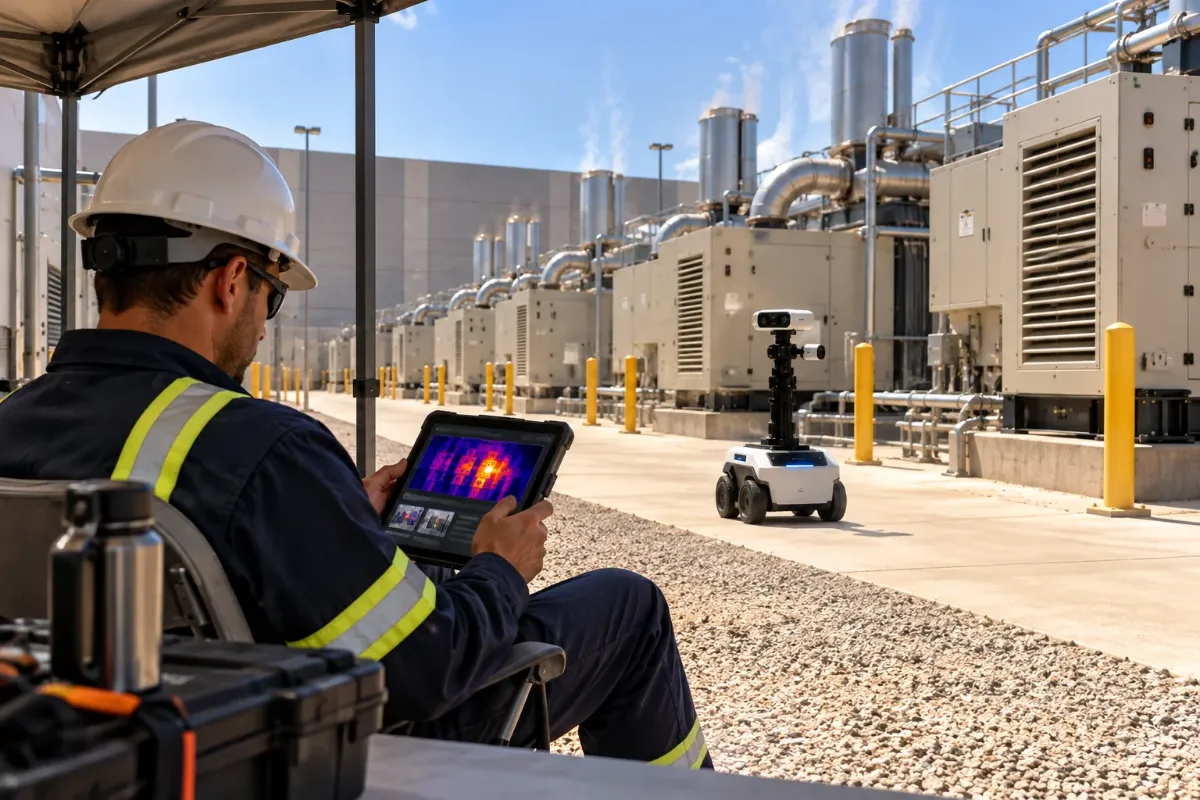
Most thermography courses show finished images. This lab hands you the camera’s controls and the raw data, and lets you break things.
Real radiometric data
Every image carries a temperature for every pixel, so you re-tune span, level, palette and emissivity and watch the numbers change, just like real camera software.
Turn the knob physics
Change emissivity, reflected temperature, distance and load and the temperatures recompute live. A shiny busbar reading far too cool teaches more than any slide.
The mistake comes first
Every exercise lets you commit, then reveals what an expert saw and why: the reflection, the low load, the target too small for the camera’s spot.
Graded against a thermographer
Every image has a Level II or III answer key. Feedback is specific: you measured the reflection, not the lug.
From image to report
Every scenario ends with a written finding, graded for location, evidence, conditions, severity and recommendation.
Bring your own camera
Upload images from a phone thermal camera or a site camera and get coached on them. The lab becomes a long term companion, not a one time course.
Inside the simulator
Twelve focused tools. Tools marked coming next arrive in later releases.
See and measure
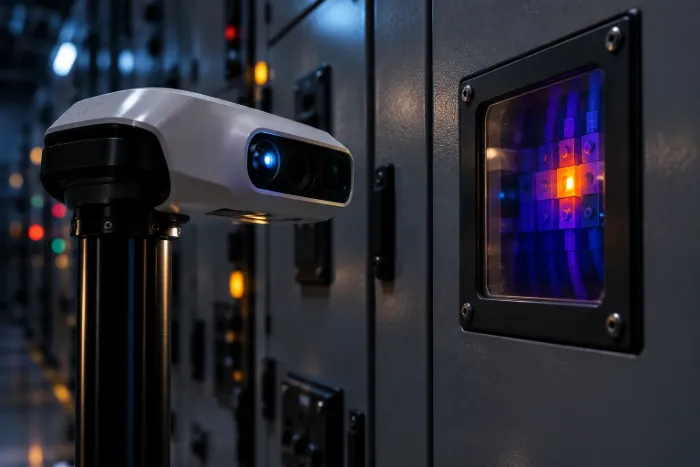
Open real radiometric files and read them the way a thermographer does.
Radiometric viewer
Open a real thermal image with its visual photo. Change palette, span and level, zoom, and switch between thermal, visual and blended views.
Measurement tools
Place spots, boxes, line profiles and isotherms, and measure the difference between two components.
Parameter lab
Change emissivity, reflected temperature, distance, air temperature, humidity and IR window transmission. Every reading recomputes live. The biggest source of wrong readings, made tangible.
Spot size and distance trainer
Pick a camera and lens, set the distance and watch a small hot lug read cooler as it blurs into its surroundings.
Turn the knobs
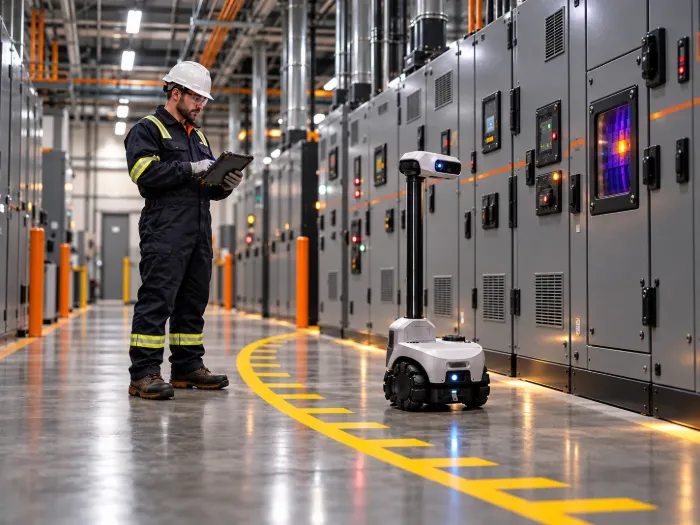
Change the conditions and see why the same defect can look harmless or alarming.
Load and time explorer
Move load from 20% to 100% and watch a bad connection heat up next to healthy ones. Drop the load and see how long the heat lingers.
Reflection trainer
Move the viewing angle: a real hot spot stays on the component, a reflection slides away.
Compare and trend view
Line up three phases side by side, then step through the same breaker over six rounds and spot the slow rise.
Finding and report builder
Write a finding with location, image pair, measurements, conditions, severity by the site’s criteria and a recommendation. The coach grades it.
Practice and keep going
A coach, a scoring engine and tools that keep the lab useful long after the course.
AI coach
Ask why at any point. Hints, not answers, until you commit, then a plain explanation of what an expert saw.
Scenario engine and scoring
Timed rounds or free practice, with a score for each skill: settings, measurement, interpretation and reporting.
Bring your own image
Upload a radiometric image from your own camera, including phone thermal cameras, and get coached on it. Your images stay private.
Virtual scan room
Walk a 3D switchgear room, choose where to stand and what to scan, then analyze your captures in the viewer.
Scenario library
Twelve launch scenarios, each built around one trap and one skill.
The hidden hot lug
The span is set so wide the anomaly disappears.
Skill: Setting span and levelThe shiny busbar
Bare copper at the default emissivity reads far too cool.
Skill: Emissivity and choosing the right surfaceThe ghost hot spot
A light fixture reflected in a panel door.
Skill: Ruling out reflectionsThree phases, one problem
One phase connection runs warmer than the other two under equal load.
Skill: Comparing like with likeThe quiet circuit
A breaker at 15% load looks fine.
Skill: Knowing when load is too low to judgeToo far away
A small hot fuse clip measured from across the room.
Skill: Spot size, distance and lensThrough the window
A reading through an IR window with no correction.
Skill: Window transmission and its limitsNormally hot
A transformer and a resistor bank that look alarming but are within design.
Skill: Knowing what is supposed to be warmThe slow climb
The same busway joint over six rounds.
Skill: Reading trends, not snapshotsUPS and batteries
One hot battery strap among dozens.
Skill: Scanning a repeating patternLoad bank test
Switchgear under a commissioning load test, imaged every 15 minutes.
Skill: Tracking heat as load risesThe weak report
A contractor’s report missing load, emissivity and location.
Skill: Reviewing a report for evidenceCourse units
Five short video units frame the lab: about 2 hours of video and 4 to 5 hours of hands on lab time.
What the lab is and is not, safety first, and how to use the simulator and coach.
OrientationRadiation, emissivity, reflection, span and level, spot size.
Lab: scenarios 1, 2 and 6Load, comparison, angle, IR windows and what is normally warm.
Lab: scenarios 3, 4, 5, 7 and 8Switchgear, busway, UPS and batteries, commissioning load tests and trends.
Lab: scenarios 9, 10 and 11What a defensible thermography report contains and how to review one.
Lab: scenario 12, then the capstoneCapstone and skills record
About 60 minutes. Six unseen scenarios at standard difficulty, drawn at random.
Set the camera parameters and measure the right target in each scenario.
Decide real or false, and rate severity by the given site criteria.
Write a finding for each scenario, graded like a real report.
Where to go next
The lab prepares you for recognized programs. Accredited providers remain responsible for certification.
Scope
Supplemental practice and skills preparation, not thermography certification or inspector qualification. Real thermography needs Level I training or higher, supervised field experience, electrical safety qualification and a calibrated camera. Learners never sign off inspections or certify compliance on the strength of this lab. The skills record states: supplemental thermography practice, not a thermography certification.
- The physics models are simplified teaching models, labeled as such. Real cameras, optics and conditions vary.
- Synthetic images in the load and spot size tools are marked as simulations.
- Nothing in the lab replaces calibrated equipment, a qualified thermographer’s judgment or the criteria a site has adopted.
See all offerings. FacilityOps AI is a d/b/a of RoboSkill Inc., Houston, Texas.