Fiber Inspection and Connections
Learn to verify fiber work on data center builds: checking it, accepting it, rejecting it and escalating it with proof.
Built for the verifier
The person who signs off fiber work learns to make four calls with confidence.
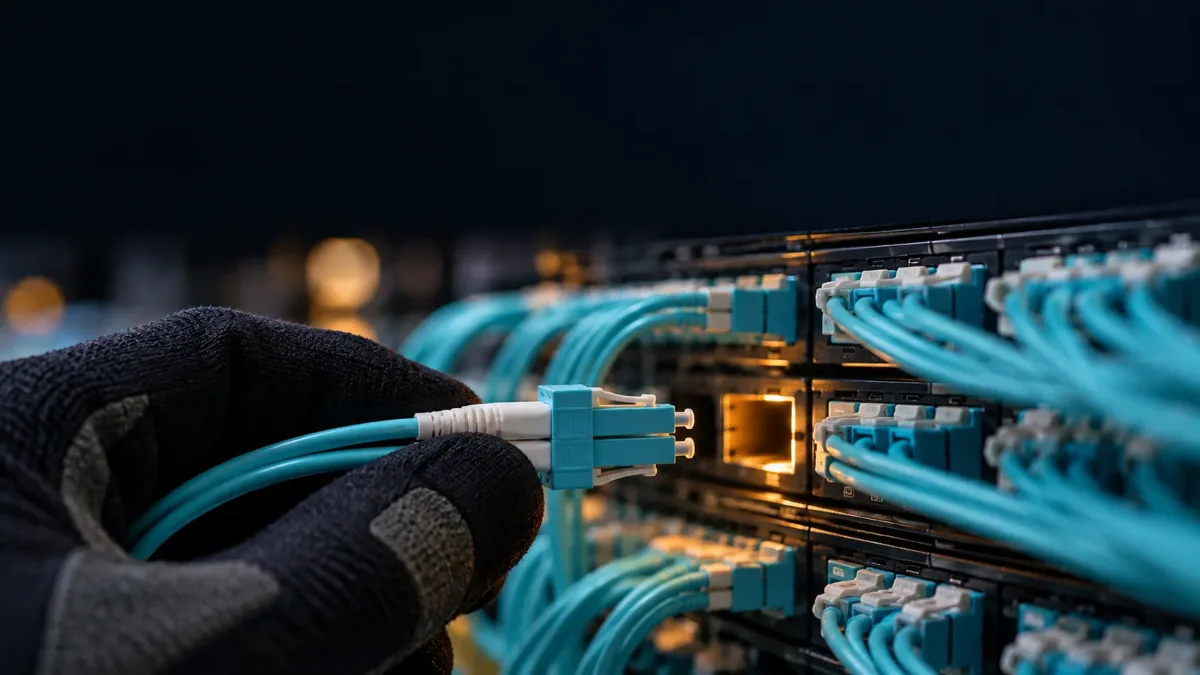
Course units
Thirteen units in three parts, from core skills to final sign off.

Core skills
Handle, read, check, clean and test fiber the right way.
Safety and Handling
Work safely around lasers and fiber, and keep every connector clean and capped.
Reading Build Documents
Match cutsheets, labels and rack elevations to what is actually installed.
Physical Checks on a Walkdown
Spot seating, bend, routing and labeling problems on a rack walkdown.
End Face Inspection and Cleaning
Inspect, clean, inspect, and tell a dirty connector from a damaged one.
Testing
Run and read loss and OTDR tests with confidence.
Optics
Match transceivers and cables to the right fiber and connector.
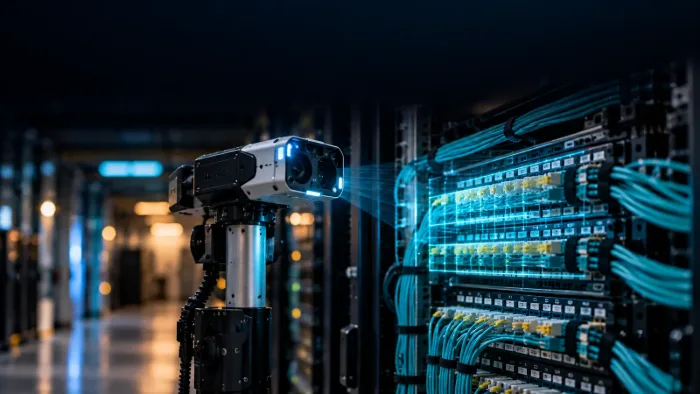
Finding problems
Trace a failed link to its cause and catch results that cannot be trusted.
Troubleshooting
Isolate the cause of a failed link, checking things in the right order.
Data Integrity and When Tools Lie
Catch copied or reused results, and know when a tool is giving a false reading.
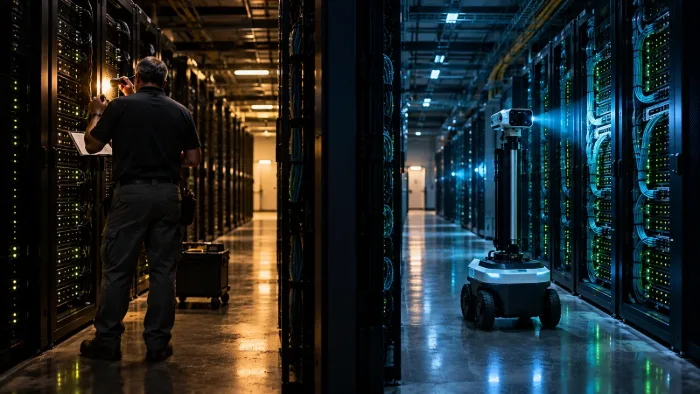
Judgment and sign off
Decide what passes, what fails and what to do about it.
Reviewing Test Reports and Acceptance
Decide whether a contractor’s test package is complete and can be accepted. The core of the course.
Judgment and Severity
Rank defects by impact and make the borderline calls.
Field Realities
Inspect at the right moment in the build, at real project scale.
Evidence, Records and Escalation
Prove every finding and escalate it the right way.
Wider Context
Splicing basics, where the field is heading and how careers grow.
Supplemental skills training. The course does not replace qualified installers, inspectors or formal certification. See all offerings. FacilityOps AI is a d/b/a of RoboSkill Inc., Houston, Texas.